
Current offers
Winbox MY Promotions
The Winbox promo banners running right now, and how to claim one from your account. Offers and terms are set by Winbox, so read the details in your account before you deposit.
Current promo banners
Two offers on the Winbox banners now. Tap a banner to open Winbox.
 Deposit bonus
RM500 deposit bonus and Free 50
The banner reads: "Deposit bonus RM500 and Free 50, no turnover, instant bonus." That is all we know about it. The full terms are in your Winbox account.
Claim on Winbox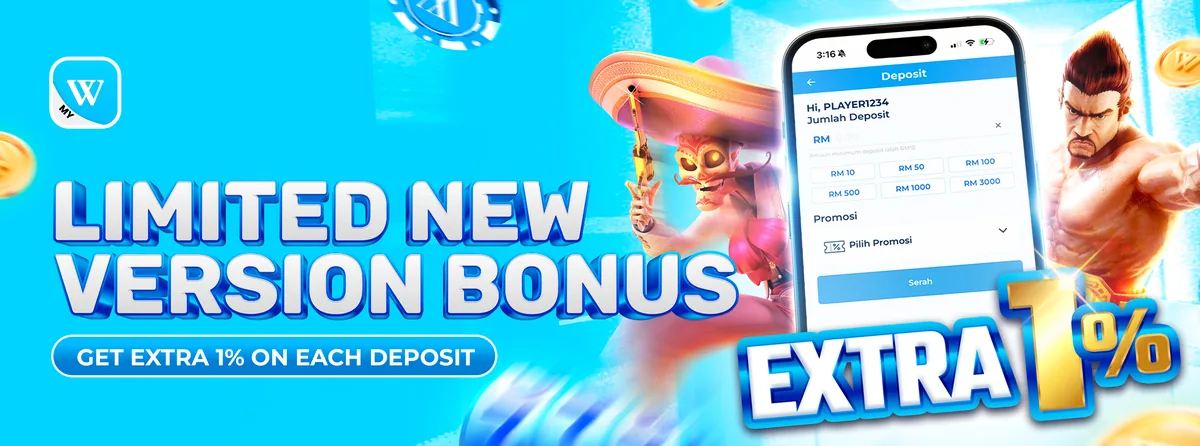 Limited
New version bonus: extra 1% on each deposit
The banner reads: "Limited new version bonus, get extra 1% on each deposit." That is all we know about it. The full terms are in your Winbox account.
Claim on Winbox
The second banner is marked limited, so check in your account that it is still running before you plan around it.
How to claim a Winbox MY promotion
The general route. The exact screens are in your account.
Log in
Log in on H5 or the app. If you are new, register first. You need an account to claim any promotion.
Log in on WinboxRead the promotion details
Find the promotion inside your account and read its details before you deposit. If anything is unclear, ask support first.
Choose it when you deposit
Open the deposit screen, pick the promotion if the screen offers it, choose a payment method, enter an amount in RM and confirm.
Check it was applied
After the deposit, check your balance or bonus section. If the bonus is missing, contact support inside Winbox with the time and amount of your deposit.
Read the terms before you deposit
This page only repeats what the banners say. We do not have the full terms, and we will not guess them. Before you claim, look for these points in the promotion details:
- Who can claim it: new players, existing players, or both.
- The minimum deposit, and any maximum bonus.
- Which games count, and any that do not.
- What you must do before you can withdraw.
- When the offer ends.
If a banner and the terms in your account ever seem to disagree, the terms in your account are what Winbox applies. Ask support if you are not sure.
Watch out for fake bonus offers
Bonus offers are a favourite trick for scammers. Be careful with any message that offers a bonus in return for your password, your OTP, or a transfer to a personal bank account.
Real promotions are claimed inside your own account, on the deposit screen. If an offer only exists in a chat message or a random ad, skip it. Our login guide shows how to spot a fake Winbox link.
A bonus is extra play, not extra income
Decide your budget before you deposit, and stop when it is spent, bonus or not. Do not deposit more than you planned just to reach a promotion. Our responsible gaming page has more simple tips.
Winbox MY promotion questions
Quick answers about bonuses and claiming.
Where do I find Winbox MY promotions?
Inside your Winbox account, and on the deposit screen when you make a deposit. This page shows the current banners so you know what to look for.
What does "no turnover" mean on the deposit bonus banner?
Turnover usually means how much you must bet before you can withdraw. The banner says no turnover, but check the promotion details in your account to see exactly how it applies to you.
Can I claim both promotions?
That is set in each promotion's terms, which we do not have. Check the details of both in your account, or ask support before you deposit.
Why is my bonus not showing?
Check that you chose the promotion on the deposit screen and that you meet its conditions. If it is still missing, contact support inside Winbox with your deposit time and amount.
Does Winbox MY Hub give out bonuses?
No. We are an independent guide. Every promotion is run by Winbox and credited inside your Winbox account.